YOLOv8n · Transfer Learning · Fine-tuned
Model Insights
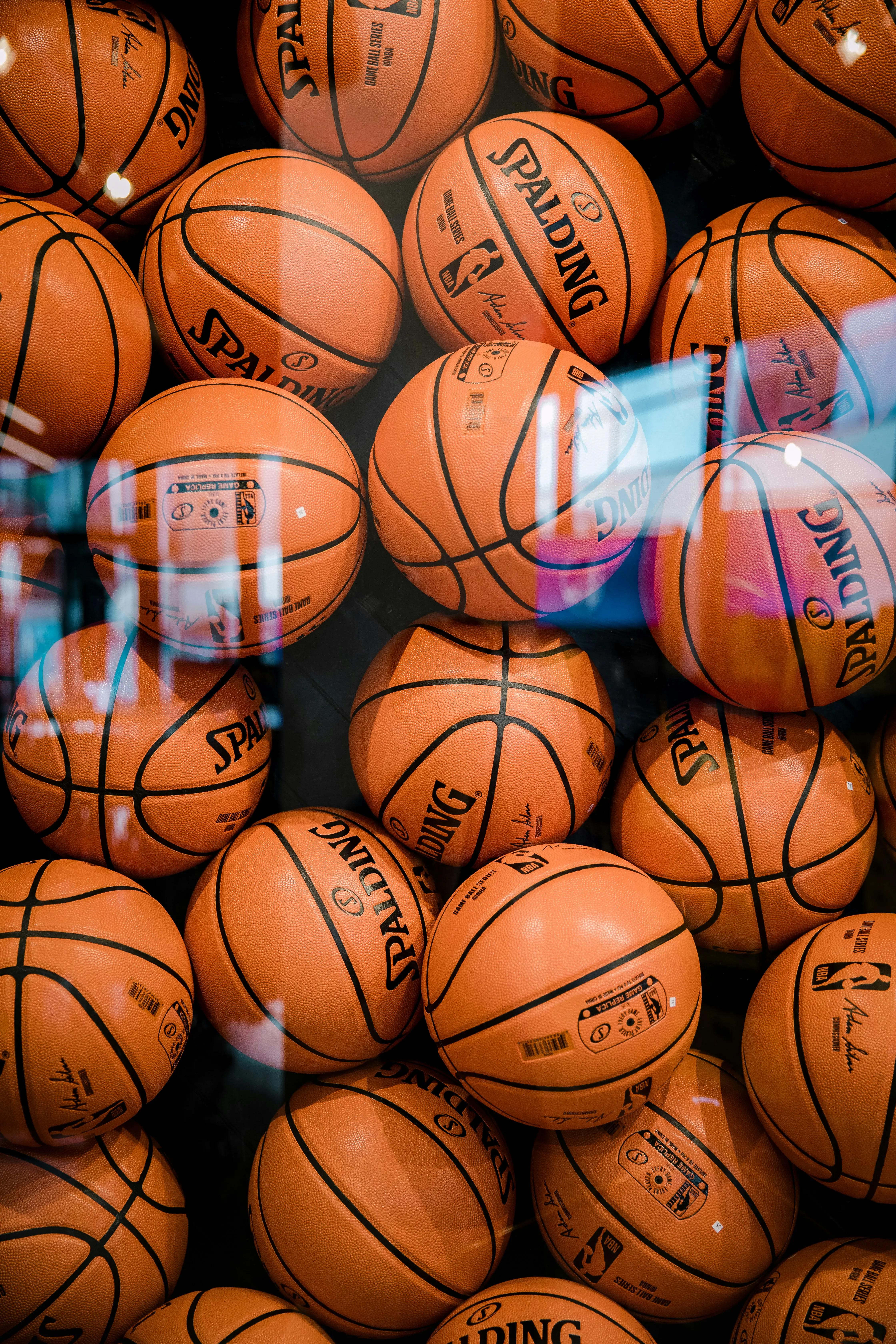
A YOLOv8 nano model fine-tuned on ~4 300 basketball images from Roboflow. Trained for 50 epochs on an NVIDIA L4 GPU in Google Colab Pro with transfer learning from ImageNet weights.
Performance Metrics
Mean average precision at IoU threshold 0.5, the main detection metric
Of all predicted bounding boxes, how many were actually correct
Of all real balls in the dataset, how many did the model find
mAP averaged across IoU thresholds from 0.5 to 0.95, a stricter measure
Training Curves
mAP50, Precision, Recall and Box Loss over 50 epochs. The model improved continuously. Early stopping was never triggered.
Confusion Matrix
Confusion Matrix
True positives vs false positives/negatives at the default confidence threshold.
Training Details
Dataset
The original dataset had no train split, so an 80/20 split was created automatically from the validation set and the data.yaml was updated accordingly.
Architecture
YOLOv8n is the nano variant of Ultralytics' YOLOv8 family, the smallest and fastest model, ideal for single-class detection tasks like basketball tracking.
The backbone extracts multi-scale features using a CSP (Cross Stage Partial) structure. The neck uses a PANet to fuse features across scales. The detection head predicts bounding boxes and class probabilities in a single forward pass.
Transfer learning: instead of training from scratch, we start from weights pre-trained on ImageNet. The model already knows how to detect edges, shapes, and textures, so we only need to fine-tune it to recognise a basketball specifically.
Why nano? 6.2 MB, 3M parameters, 0.5 ms inference. More than enough for one class on a clear camera angle.
Commentary Voice
ElevenLabs powers the AI commentator. When tracking completes, the backend calls the ElevenLabs text-to-speech API and streams the audio back to the browser.
Model: eleven_multilingual_v2, chosen for its natural pacing and expressiveness at low stability settings.
Voice settings: stability 0.3 (more dynamic, less monotone) · similarity boost 0.85 (stays close to the original voice character).
Script structure: each trail color has its own script. Every script starts with "And THERE it is", drops the user's name, mentions the model accuracy, then closes with a ByteTrack line and a punchline. Crowd audio plays underneath and fades when both the video and commentary are done.
Reflections
What worked well: The model reliably detects the ball in clear shots and the neon trail makes the tracking visually compelling. The 80/20 auto-split workaround for the missing train set is a practical technique worth knowing.
Challenges: Fast motion blur and occlusion (players blocking the ball) are the main weak points. The confidence threshold had a big impact: too low caused false positives on players' feet, too high missed real detections.
I didn't expect transfer learning to work this well on a small dataset. The model picked it up fast because it already knew what shapes and edges look like from being trained on millions of other images. The biggest surprise was how straightforward YOLO actually was to work with. I expected a lot more complexity, but getting it to detect the ball only took a few lines of code once the model was trained. I also learned that the confidence setting matters a lot. If it's too low the model starts detecting things that aren't the ball, if it's too high it misses the ball when things get messy. The thing that took the most time was actually building the app around the model. Training took 18 minutes but getting everything to work together as a real product took way longer than that.